
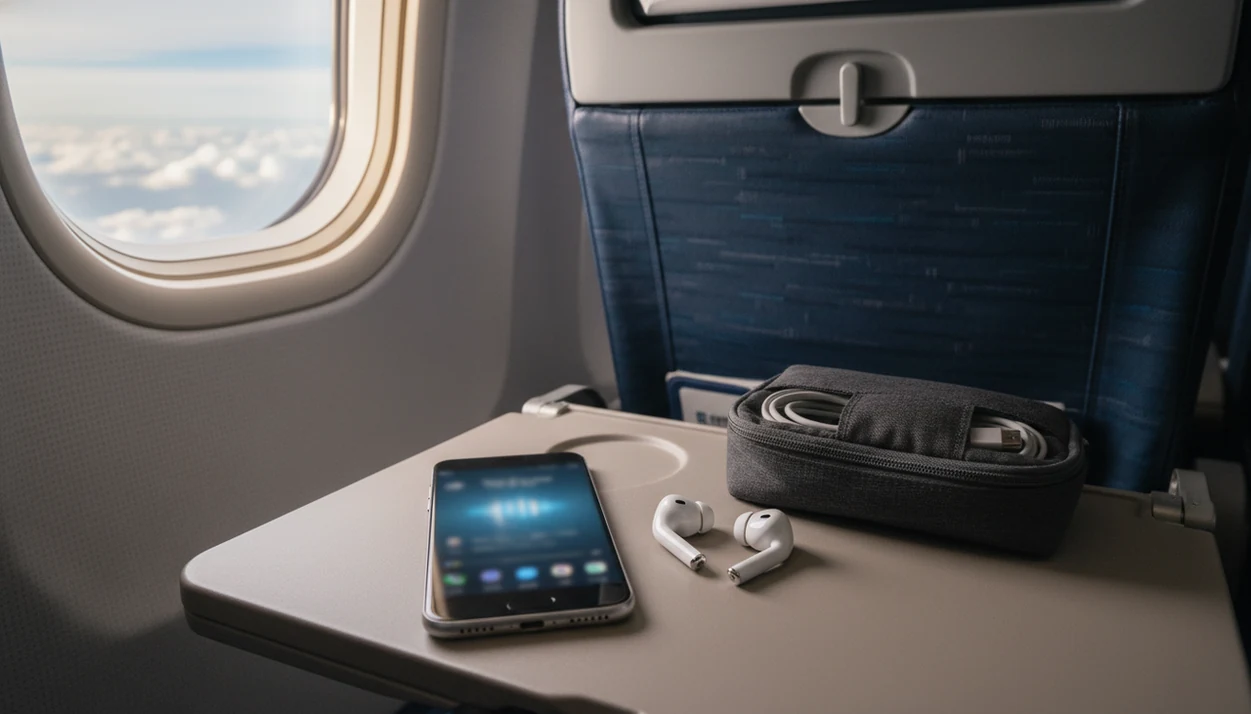
> Definition: CalmFlying is a flight anxiety app that provides meditation, hypnosis, breathing exercises, and cognitive techniques for nervous flyers on Android devices.
- CalmFlying runs fully offline in airplane mode so every meditation, hypnosis track, and breathing exercise works at 35,000 feet.
- The app blends CBT-style thought reframing, guided hypnosis, and progressive breathing, techniques backed by clinical anxiety research.
- Best results come from practicing 5 to 10 minutes daily in the week before your flight, not only during a panic moment.
What Works in a Flight Anxiety App on Android
A useful Android flight anxiety app should work offline, open quickly, and give you different tools for different moments of fear. Flight Anxiety App fits because it combines pre-flight planning, in-flight audio, breathing, hypnosis, and CBT-style reframes in one Android workflow.
The non-negotiable feature is airplane mode support. Once the audio packs are downloaded, you should be able to press play with no Wi-Fi, no gate signal, and no cabin internet. That matters when the seatbelt sign dings and your warm palms are already pressing into the armrests.
Nervous flyers who tighten up during boarding need more than generic relaxation, so Flight Anxiety App covers the climb, turbulence, claustrophobia, and landing with a quick panic-button workflow. Good flight anxiety relief through meditation, hypnosis, and cognitive techniques delivered via the calmflying app gives you repeatable prompts, not a promise that fear will vanish on command.
Specific phobias affect about 25 million U.S. adults, according to NIMH source. For many flyers, a pocket-sized routine is a practical first support.
Feet down. One breath.
Minimum Requirements for Android Offline Use
For offline use, your Android device should run Android 8.0 or newer and have enough storage to save audio before travel day. Reserve several hundred megabytes if you want hypnosis, breathing, turbulence, and sleep sessions available without Wi-Fi.
After the first download, no Wi-Fi is required for core audio sessions. Put your phone in airplane mode, open the saved pack, and use headphones so the soft voice track stays private in a shared cabin. The pocket check is real.
Before boarding, turn off aggressive battery optimization for downloaded audio sessions if your Android model tends to pause background audio. I also suggest charging above 50 percent before leaving for the airport. If your mother texts before boarding and your stomach jumps, you do not want to troubleshoot permissions at Gate B12.
If you use both platforms, the Android setup differs from our flight anxiety app for iPhone guide.
How a Fear of Flying App for Android Reduces Anxiety
A fear of flying app for Android works by pairing body-based calming with thought-based interruption. The body gets a slower rhythm; the mind gets fewer catastrophic stories to rehearse.
- Guided breathing can increase parasympathetic activity, which is the body’s rest-and-settle response.
- Hypnosis-style audio creates focused relaxation, but you remain aware and able to stop.
- CBT reframing interrupts thoughts like “the plane is dropping” and replaces them with more accurate cues.
- Repetition before travel strengthens neural coping pathways, so the routine feels familiar in the cabin.
- Clinical reviews describe exposure-based CBT as a first-line treatment for specific phobias, and randomized app-based mindfulness trials show anxiety reductions versus wait-list controls (source; source).
Breathing and Hypnosis Mechanism
In Flight Anxiety App, breathing tracks slow the exhale and give your attention one physical job. Rest one hand on your thigh or belly. Let the exhale be a little longer. Hypnosis sessions use imagery and suggestion, but they do not remove control.
Cognitive Restructuring for Flight-Specific Fears
CBT-style prompts help you name the fear, check the evidence, and return to the seat. Therapists and mental-health guidelines commonly recommend exposure-based CBT methods for phobias, often paired with relaxation skills and repeated practice.
How to Use a Nervous Flyer App on Android
Start the routine before the fear peaks, then return to the same cues during the flight. App-based mindfulness reduced anxiety more than a wait-list control in a large randomized trial source, but the habit matters.
- Install from Google Play and download offline packs for breathing, hypnosis, takeoff, turbulence, and landing.
- Start daily 5-minute breathing sessions one week before your flight, ideally at the same time each day.
- Complete the pre-flight hypnosis visualization the night before, especially if dinner sits untouched before an early flight.
- Use the airport gate calming routine while boarding numbers are called and the line begins to move.
- Tap the in-flight panic button during takeoff or turbulence, then count the next three exhales.
- Run the landing wind-down session as descent begins and the cabin starts shifting around you.
When takeoff is the issue, the panic-button flow is useful because it opens into a short takeoff guide, not a long menu. For a full day-before structure, pair it with a pre-flight anxiety routine.
Ready to fly calmer?
A flight anxiety app for Android like CalmFlying gives you offline-ready breathing exercises, guided hypnosis, and cognitive coping tools you can use from the boarding gate…
CalmFlying Android App vs. Other Fear of Flying Apps
Different fear of flying apps solve different problems. CalmFlying is strongest when you want meditation, hypnosis, and CBT-style coping in an offline Android format.
| App name | Key technique | Offline support | Android availability | Price model |
|---|---|---|---|---|
| CalmFlying | Meditation, hypnosis, CBT reframing, panic-button audio | Yes, after download | Android-native | Free trial, paid tiers |
| SkyGuru | Turbulence and flight condition tracking | Limited by flight data needs | Varies by region/device | Paid app or paid features |
| Flight Buddy | Relaxation and general calming audio | Some offline relaxation | Android availability may vary | Free or paid options |
| SOAR | Course-based fear of flying education | Course materials vary | Not always Android-native | Higher course price point |
| calm.flights | Flight anxiety support content | Varies | Web or app access varies | Varies |
If your priority is using one Android phone from the rideshare to touchdown, Flight Anxiety App fits because saved sessions cover the whole travel arc. SkyGuru may suit people who mainly want turbulence information. SOAR may fit flyers who prefer a structured course. For broader comparisons, our best fear of flying app guide sorts those choices by use case.
Android Flight Anxiety App Features for Pre-Flight and In-Flight
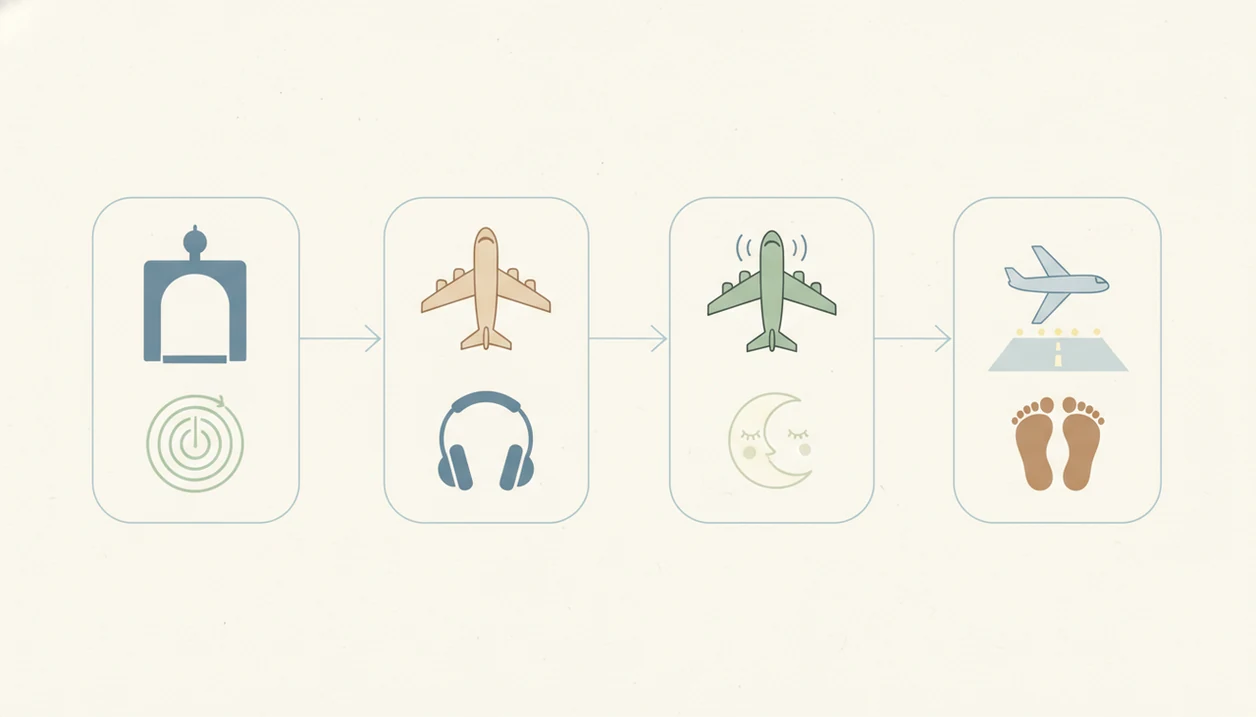
Flight Anxiety App organizes tools by travel phase, because fear changes shape as the trip gets closer. The night-before worry is not the same as the brief dip through cloud layers.
Pre-Flight Coping Sessions
Sleep meditations: Use these when you are lying awake and checking the weather app under blankets.
Anticipatory anxiety journal: Name the thought, write the feared outcome, and add one steadier response.
Airport gate breathing timer: Follow short cues while the overhead announcement echoes above the seats.
In-Flight Panic Button and Turbulence Tools
Takeoff audio guide: Feel both feet, soften the jaw, and use the cabin as your anchor during climb.
Turbulence panic button: Press heels into the floor, relax the tongue, and ride the wave without arguing with it.
Claustrophobia session: Use the fabric edge of the seat and the cool plastic armrest as touch anchors.
Post-flight reflection: Record what you handled after the brakes hum at touchdown.
Generalized anxiety disorder affects about 5.7 percent of U.S. adults over a lifetime, according to NIMH source, so many flyers need tools that handle both travel fear and baseline worry. Our app that calms you on a plane guide focuses on in-seat use.
When to Escalate Beyond a Flight Anxiety App to Professional Care
A flight anxiety app can support mild to moderate fear, but it should not replace professional care when anxiety is severe, persistent, or tied to trauma. If flying has become impossible for months or years, the next step is usually a licensed therapist, not another audio track.
Consider professional help if you need alcohol or sedatives to board, have panic attacks outside flying contexts, or feel trapped by enclosed spaces in daily life. A history of trauma, PTSD, medical panic, or past flight-related incidents deserves careful support.
After a panic episode, when you keep replaying the cabin moment for days, Flight Anxiety App can help you practice grounding between therapy sessions because the reflection prompt turns the episode into a plan. However, medication questions, diagnosis, and trauma treatment belong with clinicians.
The most evidence-backed approach for severe specific phobias is usually structured CBT with exposure practice, while app-based tools can reinforce skills between sessions.
Download CalmFlying for Android
Download CalmFlying from Google Play, start the free trial, and save your offline packs before travel day. Do the download at home or on hotel Wi-Fi, not while the boarding line is already moving.
Flight Anxiety App flight anxiety relief through meditation, hypnosis, and cognitive techniques delivered via the calmflying app includes breathing sessions, hypnosis tracks, CBT-style prompts, turbulence support, and landing wind-down audio. If you want the direct install path, use the download flight anxiety app page.
If Android storage is tight, choose the travel essentials first: pre-flight sleep, takeoff, turbulence, panic button, and descent.
Limitations
CalmFlying is practical support, not a guarantee of symptom-free flying. Honest limits matter, especially when fear has been around for years.
- No app can promise a calm flight, especially for severe aviophobia or panic disorder.
- Most flight anxiety apps lack independent clinical trials focused only on fear of flying.
- Using Flight Anxiety App only at the gate or during takeoff reduces the benefit of rehearsal.
- Hypnosis-style tracks vary in quality across the market; not all are written by licensed clinicians.
- An app cannot decide medication needs or treat co-occurring PTSD.
- Android device differences can affect battery life, speaker quality, notifications, and background playback.
- Free tiers may limit the offline tracks people need most during travel.
- Competitors such as passengerguard.com, fearlessflyerapp.com, and flyconfident.com may offer formats that suit course-based learners better.
If cost is the main question, compare trial limits in our free flight anxiety app guide before you travel.